01 / THE DEVICE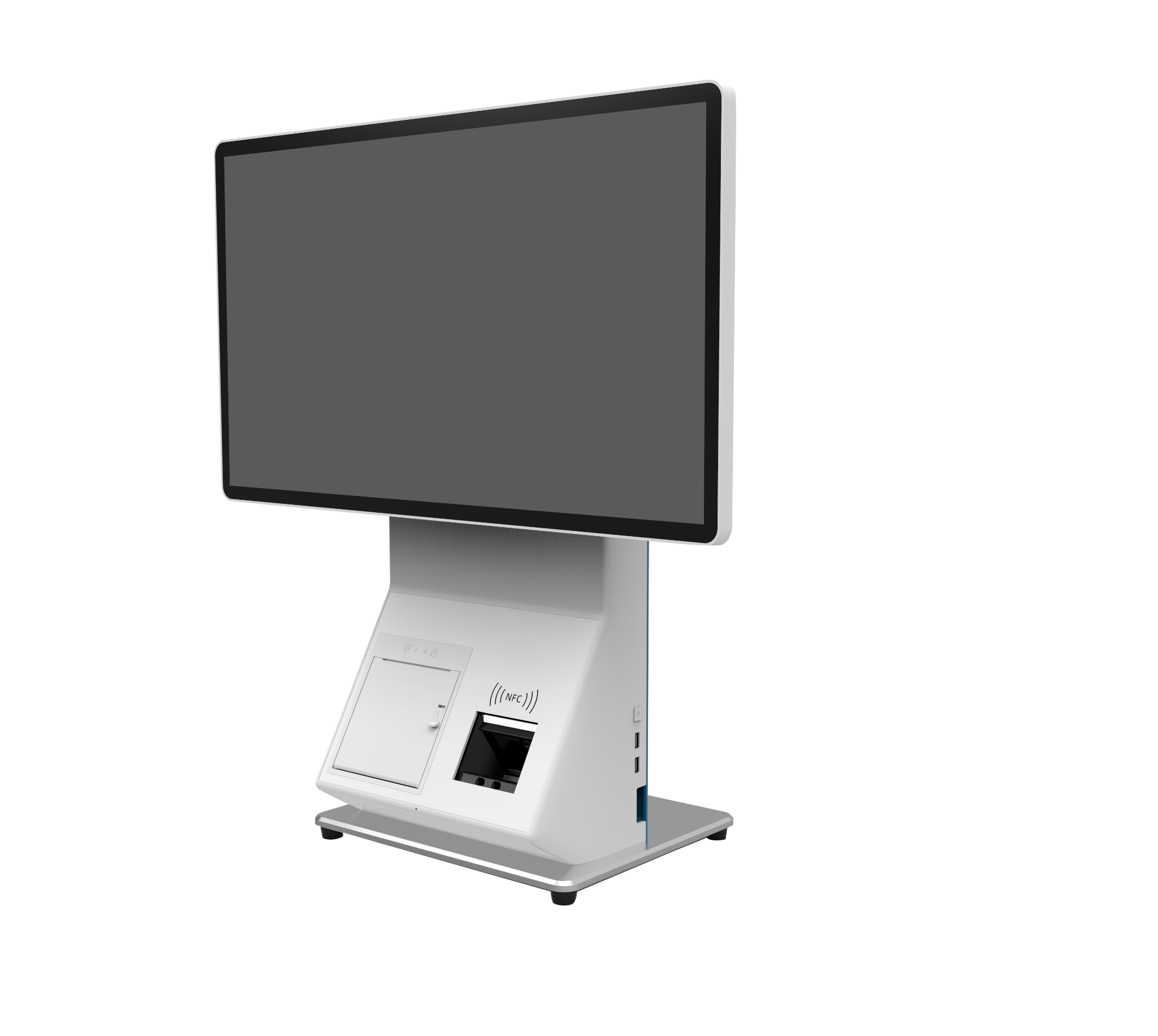
Angled view
SEN / SALON POS
ATT900 Pro MAX
A counter-focused conversation. Explore the device from both sides, then ask to see the proposed salon software and payment flow.
Ask about this setup SENCREATIVE & GROWTH AGENCY
SEN / MERCHANT & SALON OPERATIONS
A memorable brand outside. A considered experience inside. Bring the two together with the right salon workflow.
Arrange a POS demoHardware, software and payment services must be scoped separately. Features vary by plan and configuration.
THE EVERYDAY / WITH INTENTIONFROM THE FIRST SEARCH TO THE NEXT VISIT
A customer journey to plan together—not a claim that every step is automatically integrated.
THE DEVICE EDIT / ORIGINAL PRODUCT IMAGES
Switch between the supplied photo angles. These are still images, not an interactive 3D model.
Angled view
SEN / SALON POS
A counter-focused conversation. Explore the device from both sides, then ask to see the proposed salon software and payment flow.
Ask about this setup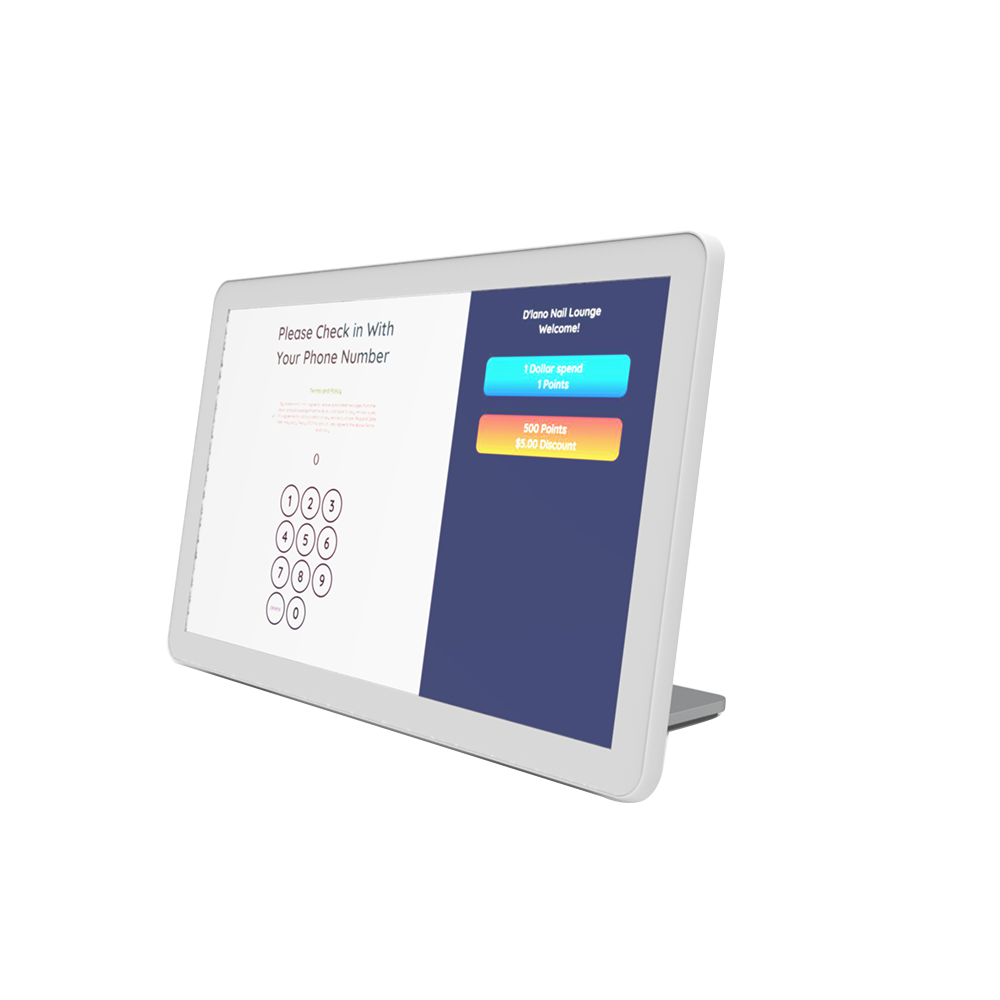
Angled view
SEN / SALON POS
A check-in conversation. The supplied visual shows a phone-number check-in screen; confirm the actual setup, consent wording and customer-data handling in your demonstration.
Ask about this setupOriginal supplied hardware images, unredrawn. MACTAB’s on-screen salon name is part of the supplied product visual, not a SEN customer endorsement. No software interface has been fabricated.
A DEMO WITH THE RIGHT QUESTIONS
Ask to see how arrivals, changes and waiting customers are handled.
Test your salon’s own allocation and tip rules, if supported by the proposed software.
Review checkout, receipts, permissions and the reports you need to close the day.
Confirm installation, training, data migration and support scope in writing.
Demo topics, not verified specifications for every device. Confirm features and integrations for your selected plan.
BEFORE WE BEGIN
Not necessarily. Hardware, salon software and payment processing are separate parts of the setup. Ask for a demonstration and a written list of what your proposed package includes.
Start with appointments, walk-ins, staff turns, tips, checkout and reporting. Ask the provider to show the exact software, plan and device configuration being proposed. This page is not a claim that every function is included on every device.
Compatibility depends on the software, payment integration and current agreement. Bring your existing setup to the discussion before committing to a replacement.
Request separate prices for hardware, software, activation, payment processing, installation and support. Contract length and any cancellation terms should be confirmed in writing. No price or free-device offer is promised on this page.
The device images are supplied product visuals. Some screens are blank and the MACTAB images show an illustrative check-in interface, not a SEN client case. Your actual interface depends on the software and configuration demonstrated.
SEN first reviews your current workflow and questions. Then agree on what needs demonstrating and confirm setup, training and support responsibilities in a written scope before proceeding.
CREATIVE OUTSIDE / CONSIDERED INSIDE
Bring your current setup and the tasks that take too much effort. We will start there.
Arrange a salon POS demo